A clearer way to sell gift cards
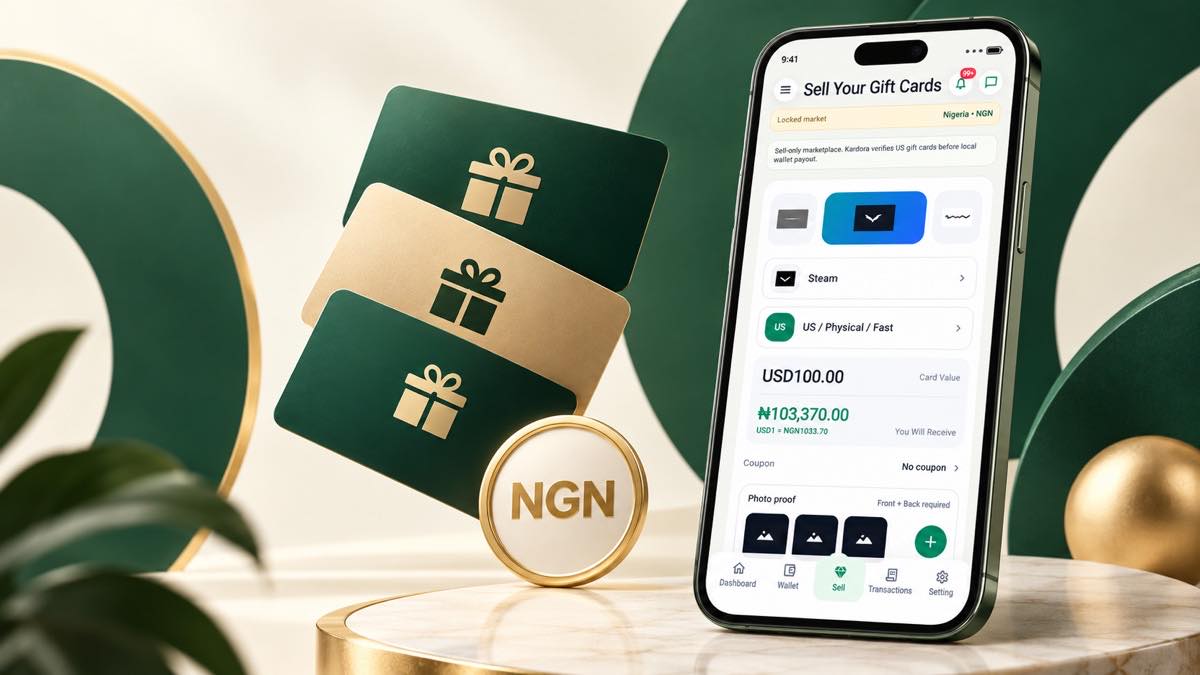
Selling a gift card should not begin with guesswork. Kardora gives Nigerian customers a guided flow where the brand, region, card format and face value are selected before a card is submitted for review.
The quote shown before submission is an estimate. Your final payout is confirmed only after the card has been reviewed and accepted.
Step 1: Choose the correct gift card
Start by selecting the brand that matches the card you own. Kardora supports selected brands such as Apple, Steam and Razer Gold, but availability can change by region, format and current market conditions.
Check these details carefully:
- The gift card brand
- The issuing country or region
- Physical card or e-code format
- The exact face value
Choosing accurate details helps the estimate match the card you plan to submit.
Step 2: Review the current estimate
Enter the card amount and review the NGN estimate shown in the app. Rates can change, so check the current figure immediately before continuing instead of relying on an older screenshot or message.
Step 3: Submit clear card proof
Follow the photo or e-code instructions shown in the official Kardora flow. Use good lighting, keep the required details readable and include the full card when the app requests it.
Submit card information only inside the official Kardora app. Kardora support will never ask for your password or one-time verification code.
Step 4: Track review and payout
After submission, use the order timeline as the official source for your review status. If the card is approved, the payout status and wallet activity appear inside your Kardora account.
Before you trade
- Use only a gift card that you legally own.
- Make sure the card has not already been redeemed.
- Match every selection to the information on the card.
- Check the latest estimate before submitting.
- Keep your login and verification codes private.
Kardora is designed to make the journey from card details to local wallet easier to understand, with each important step visible in one place.