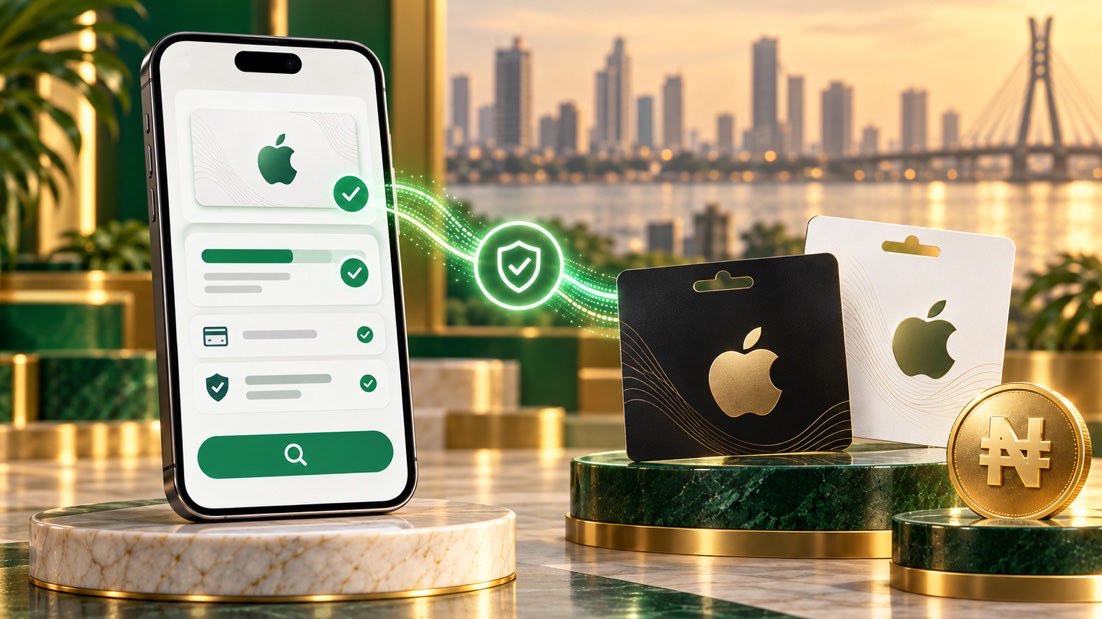
An Apple gift card and an Apple Account balance are different
Before selling an Apple gift card in Nigeria, first determine whether you still have an unredeemed card or whether the value has already been added to an Apple Account. Apple explains that after an Apple Gift Card, App Store Card or App Store & iTunes Gift Card is redeemed, its value appears as an Apple Account balance.
That distinction matters because redeeming a card changes its status. If you plan to sell an unredeemed card, do not add it to your personal Apple Account merely to see a balance. An account balance is not the same product as an unused claim code and generally cannot be transferred back onto the original card.
Check the card without redeeming it
Inspect the physical card, original email and purchase receipt. Confirm:
- the exact Apple card type;
- issuing country and currency;
- printed or purchased value;
- physical card or digital delivery;
- whether the code has been revealed, shared or redeemed;
- whether the original receipt or delivery record is available.
Use Apple's official gift card balance guidance to understand account-balance checks. If the official process requires redemption, stop before confirming it when you intend to sell the unused card. Do not enter the code into an unofficial balance-checking website.
How to recognise the correct Apple card
Apple has issued several card types over time, and availability differs by country. Read the wording on the card and receipt instead of relying only on colour or artwork. A card issued for one country or storefront may not match a quote for another region.
If the card has already been redeemed, disclose that status rather than submitting it as unused. If you are unsure, contact Apple through its official support channel without sharing the code publicly.
Check the matched NGN estimate
Open Kardora's quote flow, choose Apple and match the country, currency, format and face value exactly. Read the Apple gift card rate guide to understand why another Apple card can display a different estimate.
The displayed amount is provisional until validation confirms the card and evidence. A receipt or original digital delivery record may be requested, so keep it available.
Safe checklist before submission
- Confirm that the card remains unredeemed.
- Identify the exact card type, country and currency.
- Keep the receipt or original delivery email.
- Do not test the code on an unknown website.
- Match the real details in Kardora.
- Submit the required evidence only through the official trade flow.
For the general process, read how to check a gift card balance before selling.
Frequently asked questions
Can I check an Apple gift card balance without redeeming it?
Apple's official guidance focuses on the Apple Account balance after redemption. If checking requires adding the card to an account, do not continue when you intend to sell the unused card. Confirm the printed value and original purchase evidence instead.
Can I sell an Apple Account balance?
An Apple Account balance is different from an unredeemed gift card. Do not submit an account balance as though it were an unused card code. Use only the card formats currently supported by Kardora.
What if the Apple code is already exposed?
Keep it private and do not send it to multiple buyers. Exposure does not prove redemption, but it increases risk. Submit it only through the official secure flow and provide the requested proof.