Quick answer: Apple gift card values differ by region, currency, format and denomination. Match the exact card in Kardora’s live quote flow to see the current NGN estimate before you sell.
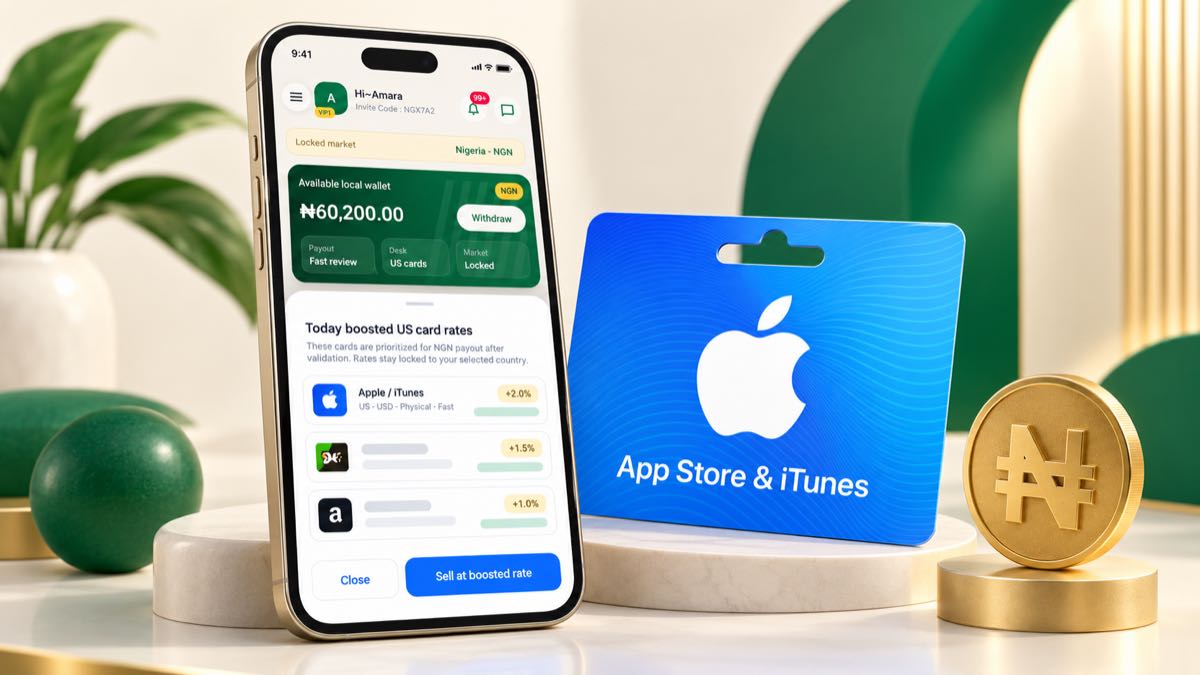
Apple gift cards do not have one permanent Nigerian rate
An Apple gift card rate in Nigeria can change according to the exact card and the market available when you check. The country, currency, denomination and whether the card is physical or digital all matter. A rate for one Apple card should not be applied automatically to every other Apple or App Store card.
Start by reading the card and its original delivery information. Confirm the issuing country and currency before choosing an option in Kardora.
The main factors behind the estimate
Country and currency
Apple gift cards are region-specific. A US card can differ from a UK, Canadian or euro-denominated card. Selecting a region that does not match the actual card can make the estimate inaccurate and may create problems during review.
Card type and delivery format
A physical card usually needs clear front and back photos. A digital code may require the original email or delivery record. Choose the format you actually received instead of the format with the most attractive number.
Denomination
Enter the exact face value. Do not assume the same per-unit estimate applies to every denomination. The rate checker calculates using the option and value you select.
Current demand
Demand changes over time, so a static list can become outdated. Kardora displays a current NGN estimate for the selected combination. Final payout is confirmed after validation and may differ when submitted details do not match.
How to check an Apple gift card rate
- Open Kardora and choose Check rate.
- Select Apple or the matching Apple/App Store option shown.
- Choose the card's actual country and currency.
- Select physical card or e-code correctly.
- Enter the full face value.
- Review the NGN estimate and proof instructions.
See how to check gift card rates before you trade for the complete process.
Check the product name carefully
Apple has used different gift card names in different markets and periods. Do not guess from the color alone. Read the printed name, currency and usage information, then choose the closest exact supported option in the app. If you are uncertain, use official Kardora support before exposing or submitting the code.
Prepare valid proof
Keep physical-card photos sharp and uncropped. Retain the receipt or original digital delivery record when available. Do not post the full code in a public group, and do not send it to someone who promises a special private rate.
You can proceed through the official Apple gift card selling page when the details are ready. For a broader comparison, read the best gift cards to sell in Nigeria.
What number should you trust?
Use the current estimate created from the exact Apple card details you entered. Treat third-party price lists as context only. The official in-app selection and completed validation determine the relevant payout for your trade.