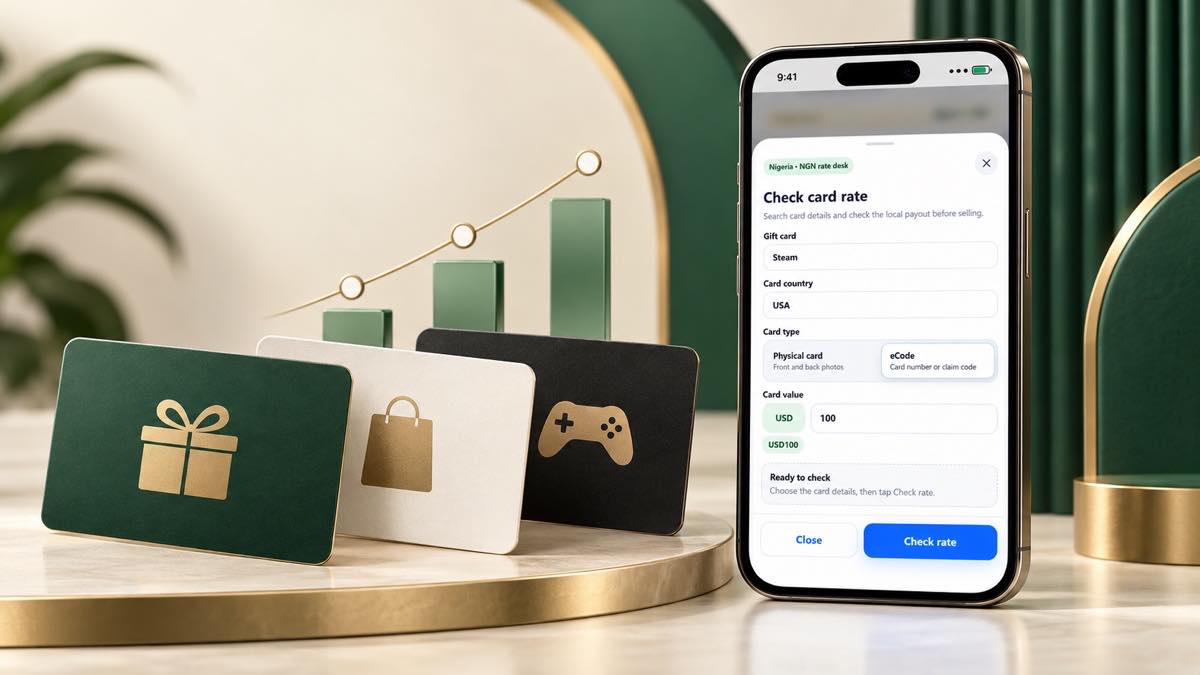
Why checking the rate first matters
Two gift cards with the same face value may not have the same estimate. The brand, issuing region and card format can all affect the quote shown in Kardora.
Checking the rate before you submit helps you understand the estimated NGN value and reduces mistakes caused by choosing the wrong card option.
The details behind your estimate
Kardora uses the information you select in the quote flow, including:
- Gift card brand
- Country or issuing region
- Physical card or e-code
- Face value
- Current market conditions
Choose the option that exactly matches your card. A similar-looking region or format may lead to a different estimate or may not be supported.
Estimate versus final payout
The amount displayed before submission is an estimate, not a guaranteed payout. Kardora confirms the final value after securely reviewing and accepting the submitted card.
Rates can change over time. An old screenshot, message or previous transaction may no longer reflect the current estimate.
How to check a relevant quote
- Open the Kardora rate or sell flow.
- Select the exact gift card brand.
- Choose the region printed on the card.
- Select the correct card format.
- Enter the face value accurately.
- Review the estimate immediately before trading.
What happens next
If the estimate works for you, continue through the official app flow and provide the requested card proof. Your order timeline will show the review status and the next action if more information is needed.
The official in-app quote is the best place to check the current estimate. Never rely on someone offering a private rate through social media.