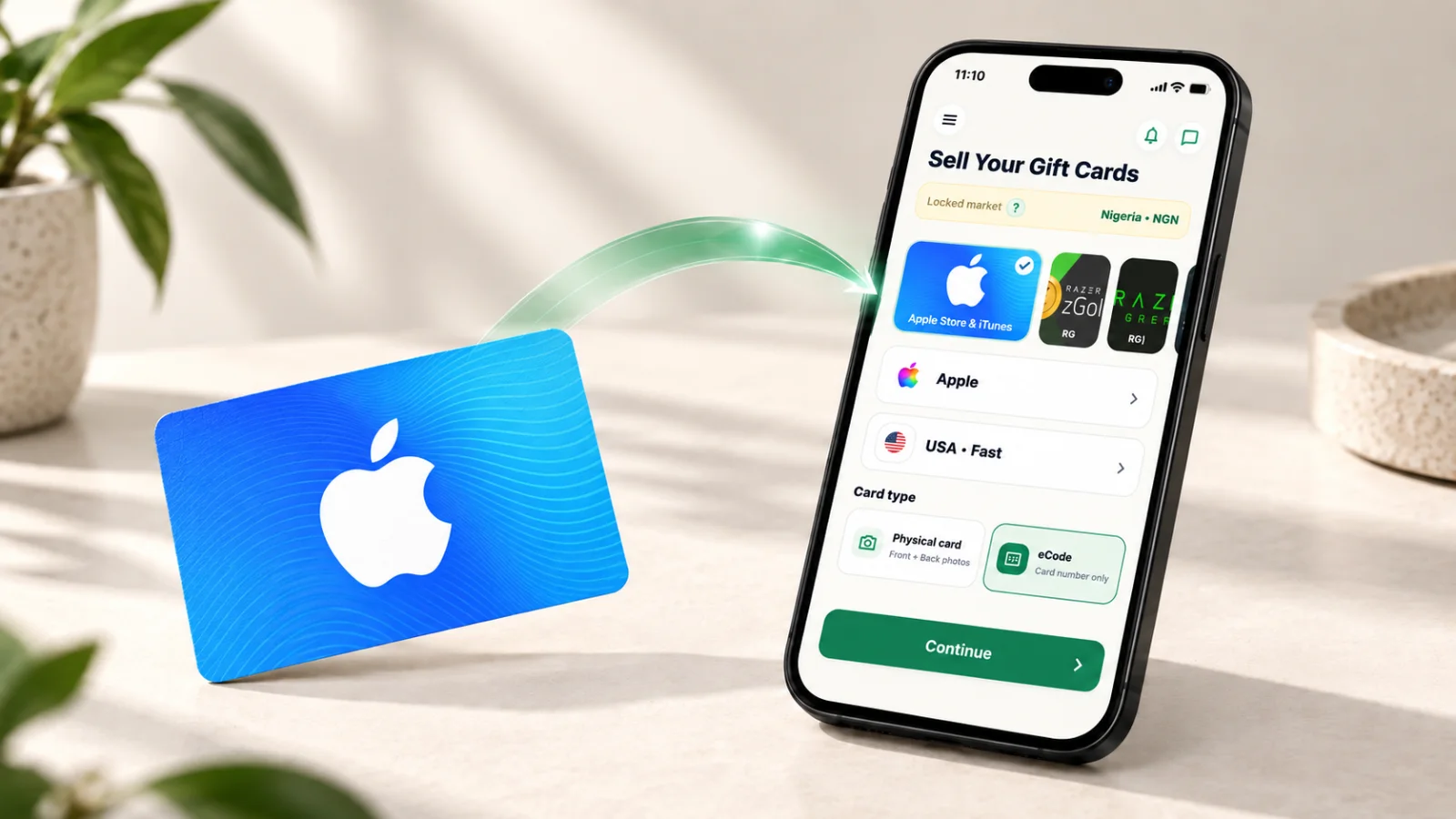
Kardora is a gift card resale platform. You can check the estimated value of an eligible gift card, submit it for review in the mobile app, and follow its progress toward payout.
Check your gift card and estimate
Start by selecting the exact card brand, issuing region, card type, and amount. Kardora shows the options and indicative rates currently available for your market. Availability and rates can change, so check the latest quote before you continue. An estimate is not a confirmed payout; the final amount is confirmed after the card is reviewed and accepted.
Submit securely in the app
Gift card submission takes place in the official Kardora app, not on the website. Follow the in-app steps to provide the card information and any requested proof. After submitting, use your order record to follow its review status. If you are unsure whether an order was submitted, check your order history for an order ID and a Submitted status before trying again. Contact support if the result is still unclear.
Follow your payout
Once an accepted trade is settled and the proceeds are credited, check your available balance and payout status in the app. Withdrawals use a verified local receiving method. If an order or withdrawal status appears out of date or unclear, contact support with its reference number.
Keep your card and account safe
Submit card details only through Kardora's official trade flow. Do not send a complete card code through social media or an ordinary chat, and never share your password or one-time verification code.