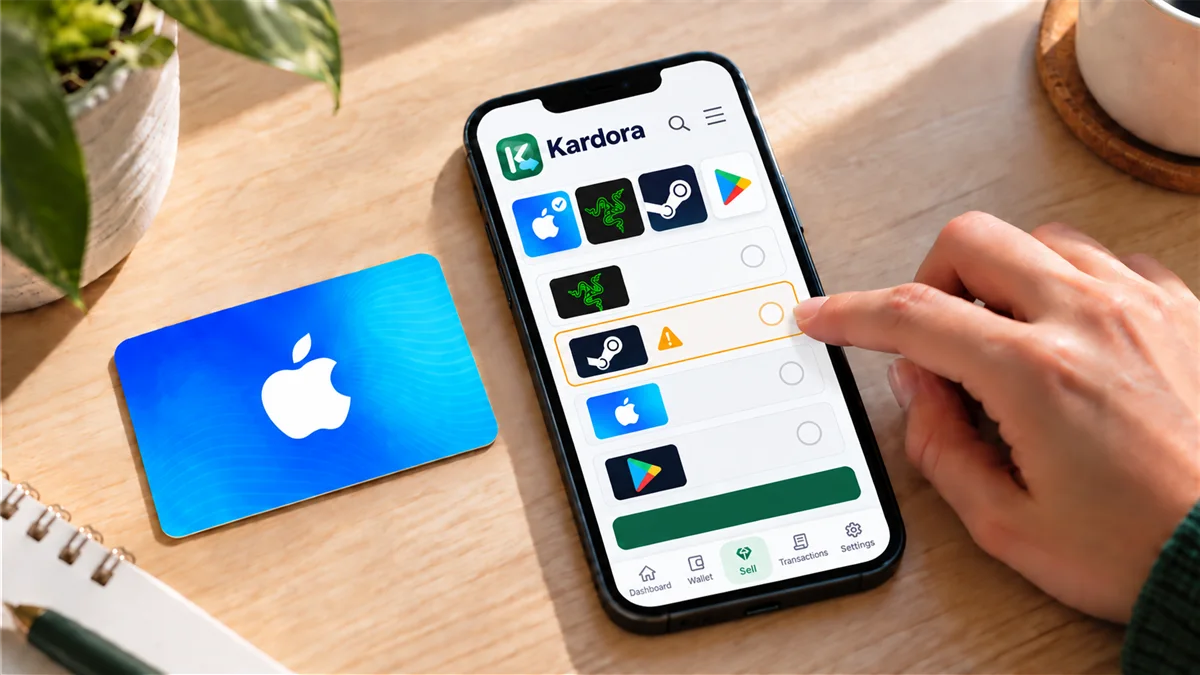
Understand your card format
A physical gift card is a card you can hold. An eCode is delivered digitally, usually as a code. In Kardora, the available trade options can depend on the brand, issuing region and card format. Choose the format that matches the card you actually have.
The app may ask for different information for each format. For example, a physical card flow may request card photos, while an eCode flow may request the code. Follow the instructions shown in the current app flow, and keep card codes private outside Kardora’s official submission process.
Match the quote to your card
Before continuing, compare the quote option with your card’s brand, issuing region, format and face value. Also check the market and payout currency shown in the app. A higher estimate for a different region or format does not make that option a match for your card.
If you cannot find an option that accurately describes your card, check the current options in the app or contact Kardora support before submitting it. Availability can vary, so a brand shown in an illustration is not a promise that every card from that brand can be traded.
Submit and track the trade
A quote is an estimate. Review the selected details, submit the card through the official app and follow the order timeline. Kardora confirms the final payout only after the card passes review. Check the order result in the app rather than relying on the earlier estimate.