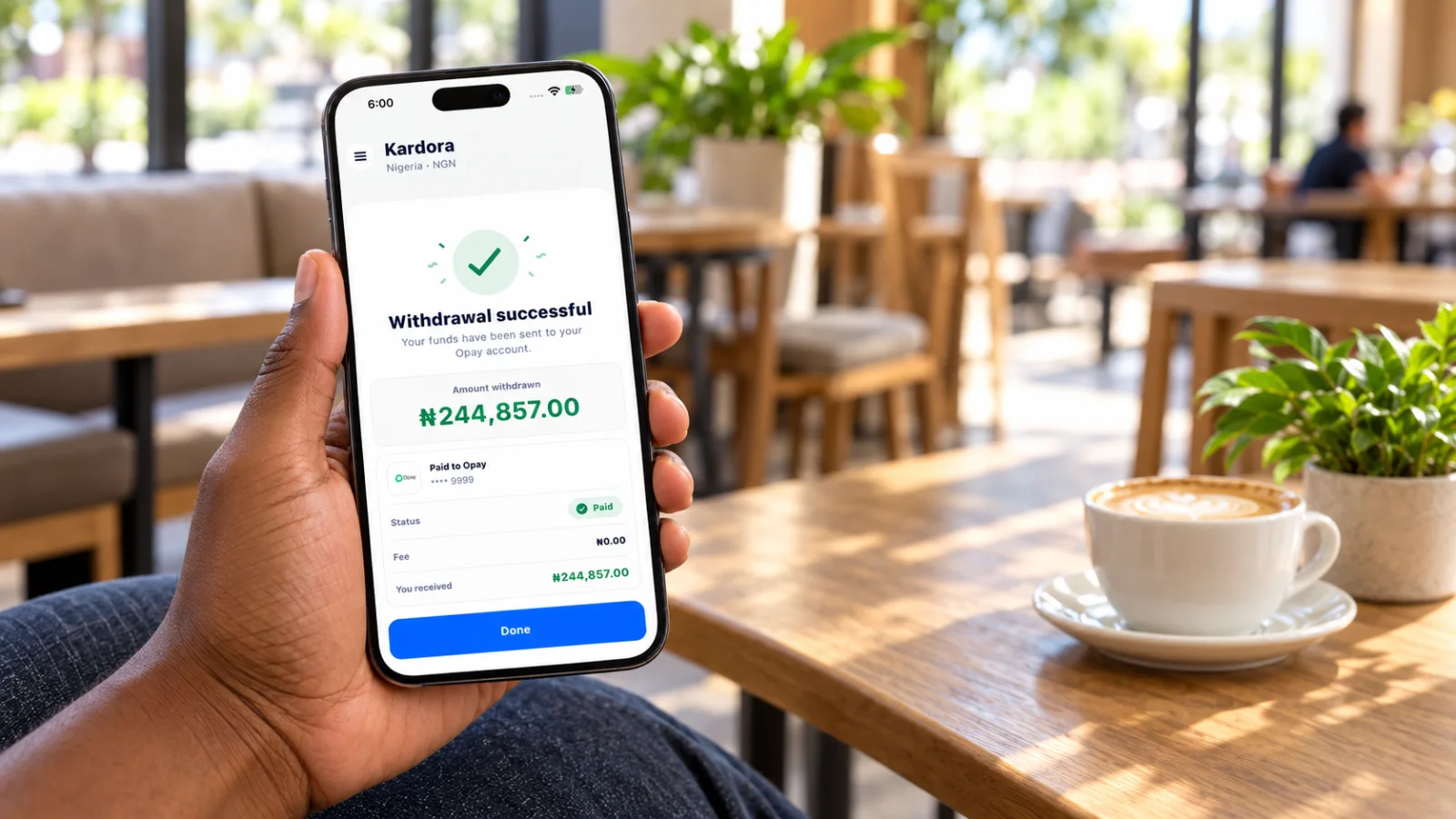
After Kardora approves an eligible gift card trade, the proceeds appear in your local wallet. Follow these steps to request a withdrawal in the app.
- Check your available balance
Open your Kardora wallet and check the amount shown as Available to withdraw. A gift card must pass review before its proceeds can be paid out.
- Enter the withdrawal amount
Open Withdraw funds in the Kardora app and enter the amount you want to withdraw. If available, you can use the percentage shortcuts or Max. Review the minimum amount, single withdrawal limit, fee, estimated arrival time, and You will receive amount shown on your screen before continuing. Withdrawals are requested in the app, not on the Kardora website.
- Confirm your payout details
Check that the selected payout method and account details are correct. For example, if you selected Opay, verify the masked account number before tapping Continue. Available payout methods depend on your country and account.
- Track the transaction
Open Transactions and select the Wallet withdrawal record to follow its status. When the status shows Paid, Kardora records the withdrawal as completed. If you need help, contact support through the app and include your order ID. Never share your password or one-time verification code. When will the money arrive? Check the estimate displayed for your withdrawal in the app. Actual timing may vary because of additional verification, the payout method, payment provider processing, or incorrect account details
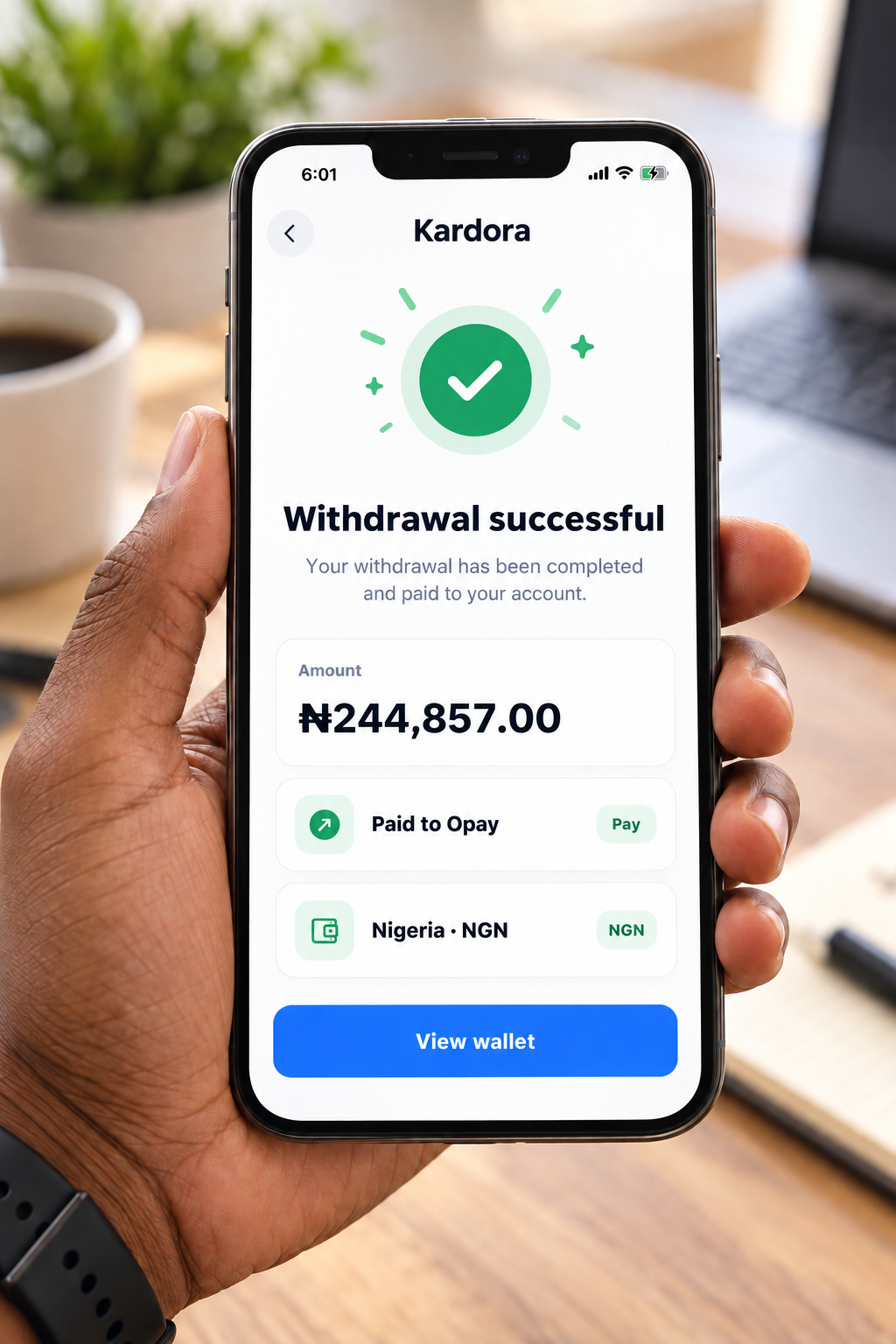
Illustrative example .