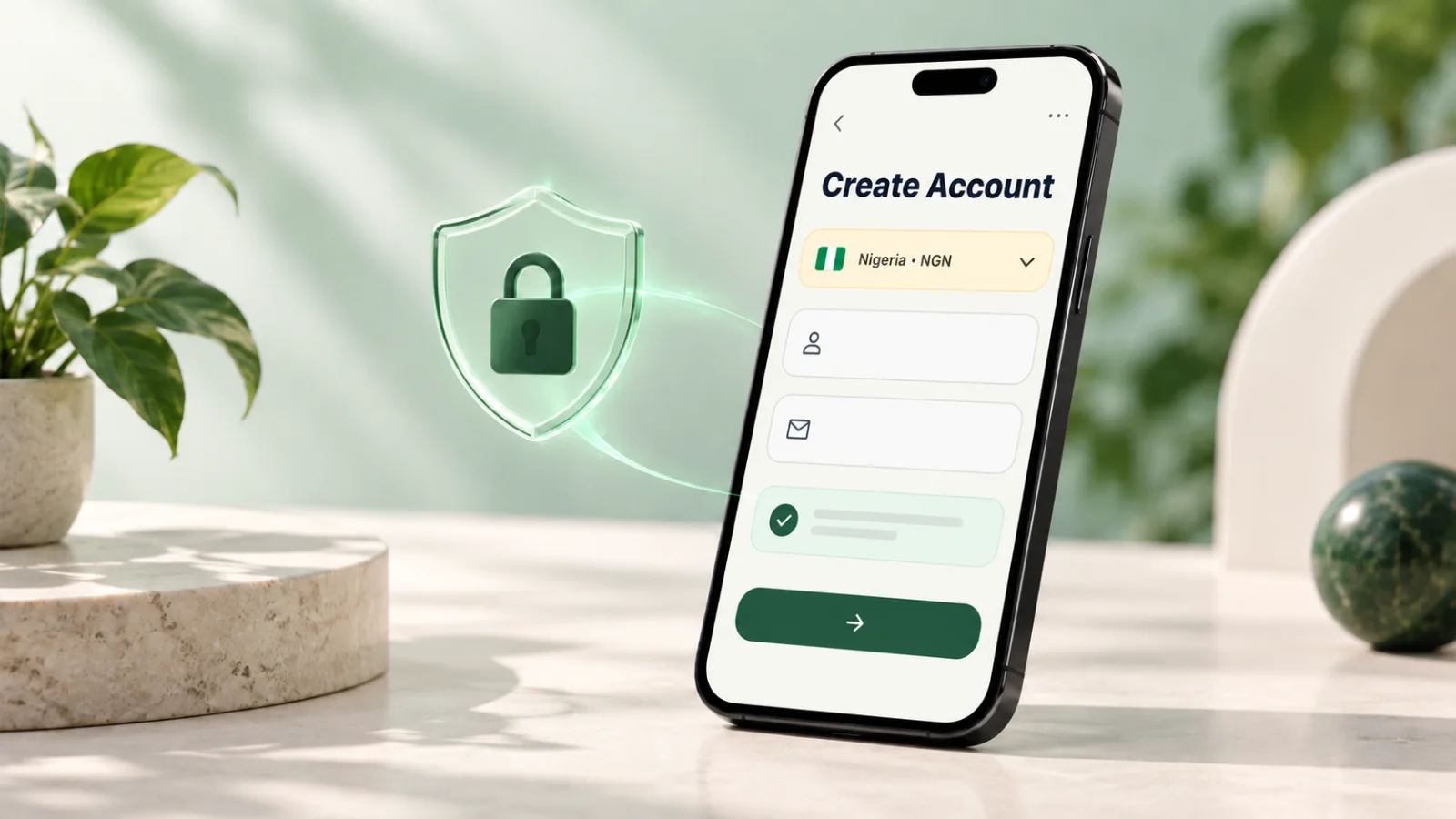
Getting started with Kardora begins with the official app and an account set up for the market where you operate. Take a moment to check your details before your first gift card trade.
Download the official app
Start with the download links on Kardora's official website. App availability can depend on your device and store region. If a store says the app is unavailable or installation fails, check your store region, device software, available storage, and internet connection. Avoid installation files from unknown sources. If you still need help, use an official Kardora support channel.
Choose the right account market
Select the country where you operate and can receive a local payout. Your market affects your wallet currency, available gift cards, rates, and receiving options. Review your choice before finishing registration. If you selected the wrong market, contact support before submitting a trade or adding a receiving method.
Complete sign-up and verification
Register with a phone number or email address you control, and follow the password and verification steps shown in the app. A referral code is optional. If a verification code does not arrive, check the country code or email spelling, blocked messages or spam folder, and your connection. Wait for the on-screen timer before requesting another code, and use the latest code for that action. Never share a verification code with anyone, including someone claiming to be support.
Recover access safely
If you forget your password, use the password-reset option on the sign-in screen. If you no longer have access to the phone number or email linked to your account, contact official support for account-recovery guidance. Be prepared to verify that the account belongs to you; do not create a new account to work around an access problem.
Protect your account
Use a unique password and keep your sign-in details private. Kardora support will not ask for your password, verification code, or transaction PIN. Submit gift card details only through the official in-app trade flow, not through social media or ordinary chats. If you receive a code you did not request or notice unfamiliar activity, secure your account and contact official support promptly.
Once your account is ready, check the latest available gift card quote before starting a trade.